 Robo's AI Academy
Open the Academy
Robo's AI Academy
Open the Academy
Robo's AI Academy
Open the Academy
Robo's AI Academy
Open the Academy
It hatches knowing nothing. Your child teaches it — and ends up able to explain, at dinner, why an AI gets things wrong.
Ages 7+. No account for your child, no ads, nothing tracking their play. Works offline.

Each one is something your child does with their hands first, and a named idea afterwards. The robot's mistakes are the lesson.
 "AI learns from examples"
Your child teaches the robot cats and dogs by dragging examples into boxes. Four examples: wrong, and 55% sure. Nine: right. Then a fox arrives and it falls apart — nobody taught it foxes.
 "It guesses the next word"
They play the AI's actual job — guess the next word. Then the robot writes a sentence the same way, showing its odds for each one.
 "It can be sure and still wrong"
The robot states eight "facts" with total confidence. Some are nonsense, including a myth most adults believe. The lesson that matters most, as a game rather than a warning.
 "Some things I keep private"
A friendly bot asks for a password, a school name, an address. Your child learns to spot it. That zone has no text input at all — nowhere to type a real secret.
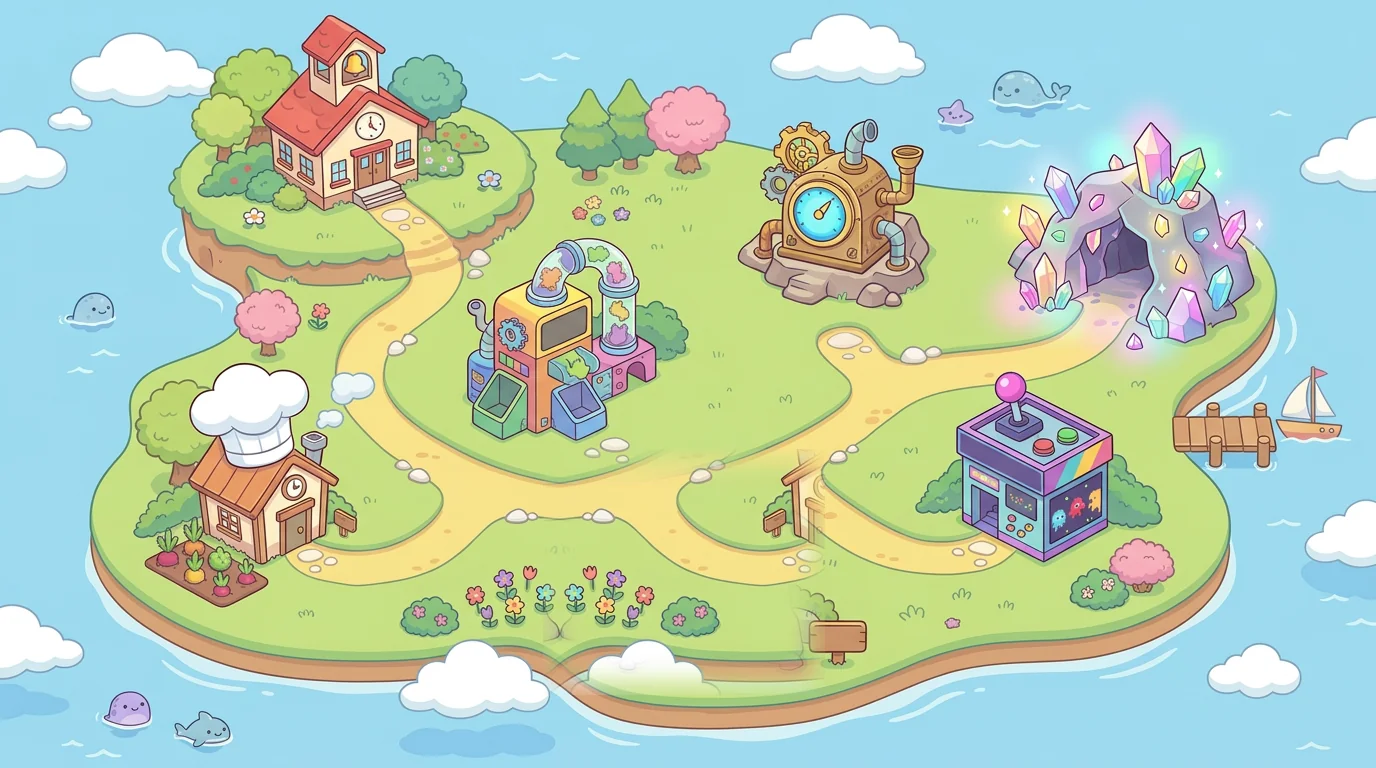
Two islands, twenty-three activities, nine costumes and a printable diploma. Finishable — no endless ladder, nothing to grind.
Start free, with no account. The four lessons above stay free.
AI School: the four lessons above.
The whole island. Cancel any time.
No. The four free lessons are the ones that teach how AI actually works — that is the part that matters, and it stays free. Premium adds the rest of the island and a live AI, which costs us money per message.
Safer with an adult nearby, which the app says plainly. The safety brief is applied by our server, so it cannot be edited from the browser: the robot refuses adult topics, never asks for personal information, and tells your child to double-check facts. No filter is perfect — sit with them at first.
Premium switches off at the end of the period you paid for. Everything your child has already finished stays playable forever — nothing is taken away.
That is the main target. In Safari: Share → Add to Home Screen, and it launches full-screen with its own icon.